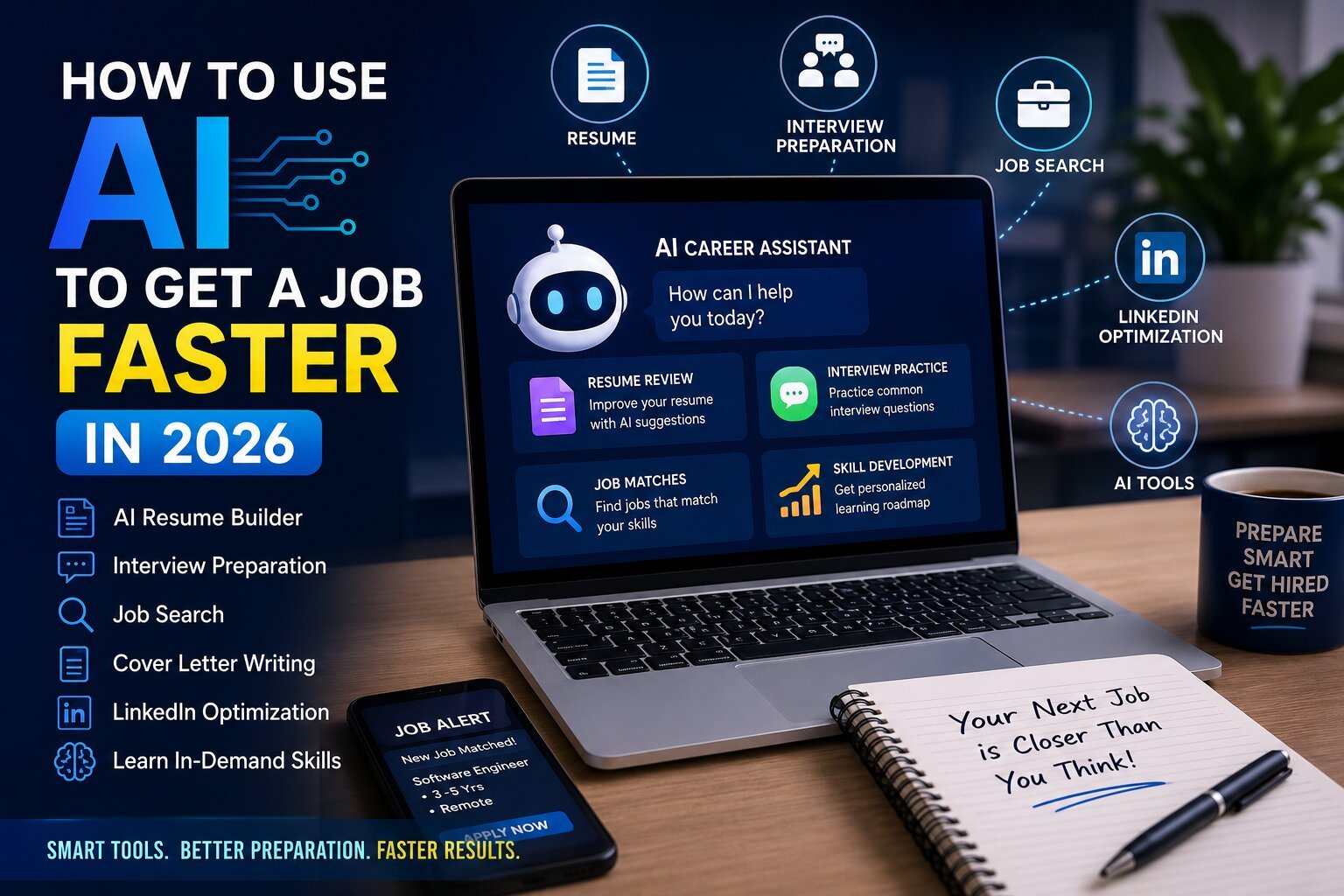
AI is no longer something that only belongs to big tech companies or experienced developers. In 2026, it has become a practical part of student life and a useful tool for anyone who wants to grow in their career.
The job market is changing quickly, and AI is becoming part of almost every field. If you want to grow in today’s market, you also need to upskill yourself with AI. The good thing is that AI can help you learn those new skills faster.
You don’t need to be an AI expert to start. You can simply use AI as a learning partner and make your daily learning more effective.
Here are some practical ways students and freshers can use AI:
1. Use ChatGPT or Gemini for Learning and Interview Preparation
You can start with free AI tools like ChatGPT or Gemini. You don’t need a paid subscription when you are just starting.
You can use them for:
- Improving your English and communication skills.
- Practicing interview questions.
- Learning technical concepts in simple language.
- Preparing for HR and technical interviews.
- Getting feedback on your answers.
- Creating questions for practice.
One feature I personally find very useful is voice mode. For example, you can upload a PDF containing interview questions and ask AI to act as an interviewer.
You can tell it:
“Act as an interviewer. Ask me these questions one by one. Don’t show me the next question until I answer. After every answer, rate me and tell me where I can improve.”
Now you are not simply reading interview questions. You are actually practicing how to answer them, just like a real interview.
2. Use AI as Your Coding Partner
If you are learning programming, tools like Cursor AI or Kiro (here you can also used free tools like chatgpt and gemini but chatgpt is much better to guide you) can make the learning process much easier.
But don’t just ask AI to write the complete project for you. Instead, tell AI that you are a beginner and ask it to teach you.
For example:
“I am new to Spring Boot. Teach me this concept step by step and create a small practical project with me. Explain why we are writing each part of the code.”
You can also use AI when you are stuck.
For example:
“I am getting this error in my code. Don’t just give me the solution. Explain why this error is happening and show me how I can debug it myself.”
This way, you are not only fixing one bug. You are learning how to find and solve similar problems in the future.
3. Improve Your Logic Building and Problem-Solving Skills
One thing AI can help with is improving your thinking process, especially when you are preparing for coding interviews.
Instead of asking:
“Give me the solution.”
Try asking:
“Give me a coding problem and let me solve it. Don’t give me the answer immediately. Ask me questions and give me hints only when I get stuck.”
You can also ask AI to review your approach.
For example:
“Here is my solution. Check my logic and tell me where it can fail. Don’t rewrite the code immediately. Help me understand the mistake.”
This can help you improve:
- Problem-solving
- Logical thinking
- Code accuracy
- Time and space complexity
- Debugging skills
- Understanding different approaches
You can even ask:
“Show me a better approach and explain why it is more efficient than my approach.”
Over time, this can help you move from “I know how to code” to “I know how to solve problems.”
4. Use AI to Learn System Design and Real-World Concepts
System design can feel difficult when you are learning it for the first time because there are many new concepts such as databases, caching, APIs, load balancing and scalability.
Instead of trying to understand everything at once, use AI as a mentor.
You can say:
“I am a beginner in system design. Teach me how to design a URL shortener step by step. Explain every component in simple language and tell me why we need it.”
After understanding the basic design, you can ask:
“Now make this system capable of handling 1 million users. What problems will I face and how can I solve them?”
This helps you understand how real systems are designed and why certain technologies are used, instead of simply memorizing interview answers.
5. Use AI for Notes, PDFs and Revision
Students deal with a lot of study material—PDFs, lecture notes, books, documentation and interview preparation material.
AI can make this much easier.
You can upload your notes or a PDF and ask AI to:
- Summarize the important topics.
- Explain difficult sections in simple language.
- Create short revision notes.
- Generate MCQs.
- Create interview questions.
- Create flashcards.
- Find the most important topics for an exam.
- Ask you questions and test your knowledge.
For example, instead of reading the same 100-page PDF again before an interview, you can ask AI to create 20 important questions from it and conduct a mock interview.
This doesn’t mean you should stop reading. It simply helps you learn and revise faster.
6. Use AI to Find Your Weak Areas
Sometimes we know what we are studying, but we don’t know where we are actually weak.
AI can help you identify those areas.
For example, you can ask:
“I am preparing for a Java developer interview. Ask me 15 questions from Java, SQL, Spring Boot and system design. After the test, identify my weak areas and create a 7-day improvement plan.”
You can do the same with coding problems, communication, English, aptitude or interview preparation.
This makes your learning more personalized. Instead of spending the same amount of time on everything, you can focus more on the areas where you need improvement.
7. Don’t Let AI Replace Your Learning
This is probably the most important point.
Using AI is not bad. The way you use it matters.
AI can improve your learning speed. It can explain things when you are stuck, act like a mentor, give you practice questions and help you find better ways to solve problems.
But there is a big difference between using AI as an assistant and depending on AI for everything.
If you copy and paste every answer, every piece of code and every assignment without understanding it, you may finish the task—but you won’t develop the skill.
Instead, use AI as your:
- Learning assistant
- Practice partner
- Mentor
- Reference
- Debugging partner
- Interviewer
Try first. Get stuck. Ask AI. Understand the answer. Then try again yourself.
That is where the real value of AI comes from.
Final Thought
The future is not simply about AI replacing people. It is also about people who know how to use AI becoming more productive than those who don’t.
You don’t need to learn every AI tool available in the market. Start with one or two tools and learn how to use them properly.
Don’t use AI to avoid learning. Use AI to learn faster.
If you use AI as your assistant, keep improving your fundamentals and continue building your own problem-solving skills, you can turn AI from just another tool into a real advantage for your career.
The students who keep learning, adapting and upgrading themselves with AI will be better prepared for the changing job market.
FOLLOW OUR BLOG FOR MORE CONTENT